
🕒 What Does Time Sensitive Mean on Snapchat? How to Control Your Alerts
Time Sensitive notifications on Snapchat ensure important messages like Snapstreaks and Best Friend updates appear, even when Focus Mode or DND is on.
Ever seen a “Time Sensitive” notification on Snapchat and wondered, “What does this mean?” You’re not alone. Time Sensitive notifications are Snapchat’s way of making sure you don’t miss important messages, Snapstreak reminders, or snap replies, even if your phone is in Focus Mode or Do Not Disturb (DND).
This feature, introduced with iOS 15 in 2021 and rolled out by Snapchat in May 2023, prioritizes certain notifications that might lose relevance if delayed, like updates from your Best Friends or time-sensitive snaps. We are going to unfold more details on this topic.
So stay tuned.
Key Takeaways
🕒 Time-Sensitive notifications bypass Focus Mode and DND, ensuring important Snapchat alerts appear instantly on your lock screen.
🔥 Snapstreaks, Snap replies, and Best Friend messages are prioritized, preventing missed interactions that lose relevance quickly.
📱 iOS supports automatic Time-Sensitive alerts, while Android requires manual notification prioritization.
🪐 Friend Solar System rankings influence priority, meaning higher engagement increases the chance of Time-Sensitive alerts.
⚙️ Users can disable or customize these alerts, giving full control over whether Snapchat can break through silent modes.
You would definitely be interested in reading this Snapchat Solar System guide.
Understanding Time Sensitive Notifications on Snapchat
What Are Time Sensitive Notifications?
- Time-Sensitive notifications are alerts that Snapchat deems too important to miss.
- These notifications bypass Focus Mode and Do Not Disturb (DND) on your phone.
- They prioritize updates like Snapstreaks, Snap replies, and messages from Best Friends.
- Introduced with iOS 15 and integrated into Snapchat for iPhone/iPad starting in May 2023.
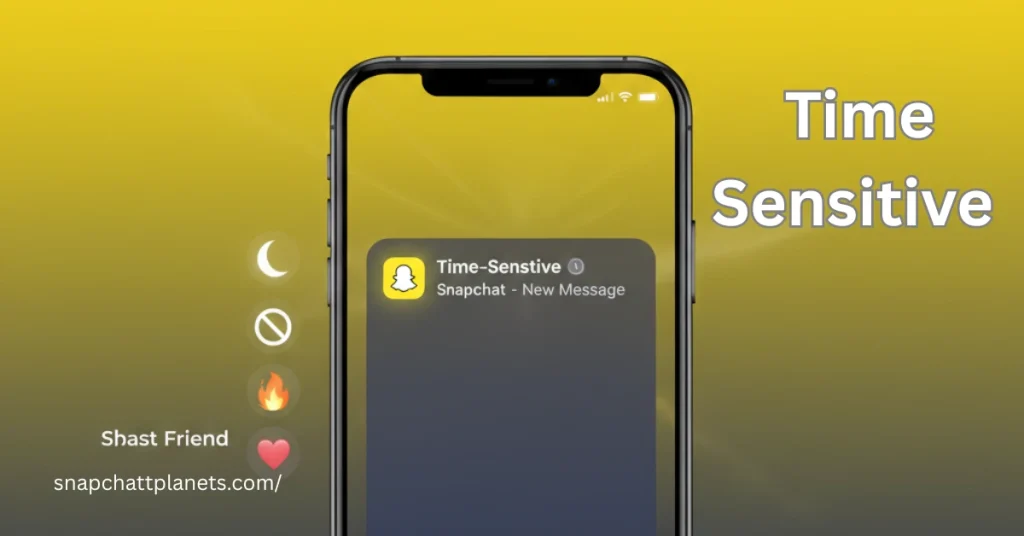
How Time-Sensitive Notifications Work on Snapchat
- Time-Sensitive notifications bypass Focus Mode and DND settings, ensuring they appear on your screen.
- These alerts show up on your lock screen and remain visible for up to one hour.
- They are particularly useful for:
- Snapstreaks
- Snap replies
- Messages from your Best Friends
The Role of iOS and Android in Time-Sensitive Notifications
How Time-Sensitive Notifications Are Triggered on iPhone
Managing Notifications on Android Devices
Comparison with iOS – Focus Mode and DND
Why Snapchat Uses Time-Sensitive Notifications
To Prevent Missing Important Snaps
- Snapchat uses Time-Sensitive Notifications to ensure that important snaps, especially Snapstreaks, aren’t missed due to silenced notifications.
- By prioritizing messages and snaps from Best Friends or active conversations, Snapchat ensures that users stay engaged without missing critical interactions.
To Encourage Engagement
- Snapchat encourages fast-paced interactions through Snapstreaks and Snap replies, making sure users stay active on the app.
- Time-Sensitive Notifications serve as reminders to maintain Snapstreaks, keeping the social dynamics intact and users more engaged.
The Role of Snapchat Planets and Friend Solar System in Prioritizing Notifications
- The Snapchat Planets and Friend Solar System systems play a key role in determining which notifications are prioritized.
- Snapchat Planets rank users based on interaction frequency, meaning Time-Sensitive Notifications will prioritize snaps and messages from Best Friends, helping strengthen these connections.
Can Your Time-Sensitive Notifications Change?
How Time-Sensitive Notifications Evolve with Engagement
- Time-Sensitive Notifications can change based on your engagement with friends, like Snapstreaks or messages.
- Higher interaction frequency with a friend means their messages are more likely to be marked as Time-Sensitive.
Dynamic Nature of Snapchat Planets and How It Connects to Time-Sensitive Notifications
- Snapchat Planets rank friends by engagement, and as your Friend Solar System changes, so do your Time-Sensitive Notifications.
- Friends with higher rankings in your Friend Solar System trigger more Time-Sensitive alerts.
How to Turn Off Time-Sensitive Notifications on Snapchat
Turning Off Time-Sensitive Notifications on iPhone
- Open Settings on your iPhone or iPad.
- Scroll down and tap Notifications.
- Select Snapchat from the app list.
- Under Always Deliver Immediately, toggle off Time-Sensitive Notifications.
Turning Off Notifications on Android
- Open Settings on your Android device.
- Go to Apps and select Snapchat.
- Tap Notifications.
- Disable the notifications you don’t want, or set Snapchat to low priority.
Common Questions About Time-Sensitive Notifications
Does Time-Sensitive Mean Someone is Active on Snapchat?
- Time-Sensitive does not indicate the sender is online; it just means the message or snap is important enough to bypass Focus Mode or DND.
Why is My Time-Sensitive Notification Not Appearing?
- Possible reasons include settings issues, Focus Mode, or DND still being active. Try adjusting notification settings or checking your device’s focus modes.
Can Time-Sensitive Notifications Be Set for Specific Chats?
- Currently, Time-Sensitive Notifications are not customizable by chat. Snapchat prioritizes messages based on Snapstreaks, Best Friends, and Snap replies.
Why Some Users Find Time-Sensitive Notifications Annoying
Intrusive Nature of Time-Sensitive Alerts
- Time-Sensitive Notifications can be disruptive for users who prefer uninterrupted time, especially when Focus Mode or DND is active.
Control and Customization of Alerts
- Users can manage, mute, or completely disable Snapchat notifications through the settings, ensuring more control over what alerts come through.
FAQs
Final Thoughts
Time-Sensitive Notifications on Snapchat are designed to make sure you never miss important messages, such as Snapstreaks or snaps from Best Friends, even if your phone is in Focus Mode or Do Not Disturb. This feature helps you stay on top of your interactions without having to constantly check your phone, ensuring crucial updates are visible immediately.
Whether it’s worth keeping Time-Sensitive Notifications on depends on your personal preferences. If you rely on Snapchat for daily interactions and want to stay connected, this feature can be helpful. However, if you prefer uninterrupted time, turning them off might be the better option to maintain focus without being disturbed by constant alerts.