What Does Received Mean on Snapchat? Full Explanation and Guide
On Snapchat, the “Received” status tells you that your message has reached the other person, but they haven’t opened it yet. If you’ve ever stared at your chat screen and wondered exactly what does received mean on Snapchat, you’re not alone. It’s one of those core pieces of Snapchat slang that pops up all the time, but can be confusing, especially with other similar statuses.
- ‘Received’ means your Snap or chat message has reached the other person’s device but hasn’t been opened yet
- This status works for photos, videos, and text chats sent directly to friends
- ‘Received’ is different from ‘Sent,’ ‘Delivered,’ and ‘Opened,’ each status tracks a specific stage
- Troubleshooting tips can help if your message gets stuck on ‘Received’
🔹 Understanding the Term ‘Received’ on Snapchat
Definition of ‘Received’ in Snapchat Context
On Snapchat, “Received” shows up underneath a conversation when you send a Snap or chat and it successfully reaches your friend’s device. They haven’t opened it yet, but it’s waiting for them.
How ‘Received’ Differs from Other Snapchat Statuses
Unlike “Sent,” which means your message has left your phone, “Received” confirms delivery to the recipient. It’s not the same as “Opened” either; that only shows once they’ve actually looked at the Snap or chat. Each status gives a clue about what’s happening with your message behind the scenes. For more about how Snapchat organizes messages and icons, see the guide to gray chat box meanings.
🔹 How Does ‘Received’ Work on Snapchat?
What Happens When You Send a Snap or Chat
When you send a Snap (photo or video) or a chat (text message) to a friend, Snapchat first attempts to send it from your device. The first update you’ll see is “Sent” once Snapchat knows the message has left your phone and is on its way.
When Does the ‘Received’ Status Appear?
The “Received” status appears on your chat list after Snapchat successfully delivers your Snap or chat to your friend’s device, but before they open it. If their internet is off or their phone is off, the status might take a while to change from “Sent” to “Received.”
🔹 ‘Received’ Meaning in Chats vs. Snaps
Snaps (Photos/Videos)
If you send a photo or video, “Received” confirms it’s landed on your friend’s phone. It doesn’t show if they’ve watched it yet, only that they have it waiting in their inbox.
Chats (Text Messages)
For chat messages, “Received” again means the message is on their device, but not yet opened. The distinction helps know if your message made it through, even if it hasn’t been read. For other status details and Snapchat features, check out Snapchat Planets homepage.
🔹 What Does ‘Received’ Mean on Snapchat Stories?
Differences Between Direct Snaps, Chats, and Story Views
“Received” only applies to direct Snaps and chats, not Snapchat Stories. When you post a Story, Snapchat tracks who views it instead of showing a received status. The “viewed” count on a Story is similar to “Opened” for personal Snaps, not “Received.” If you want more insight into Snapchat’s various icons and indicators, the Snapchat star meaning guide is a helpful resource.
🔹 ‘Received’ vs ‘Opened’ vs ‘Sent’: Key Differences
Status Explanation Table Comparing ‘Received,’ ‘Opened,’ and ‘Sent’
| Status | What It Means |
|---|---|
| Sent | Your message left your device and is waiting to be delivered. |
| Received | Your message was delivered to your friend’s device but not opened yet. |
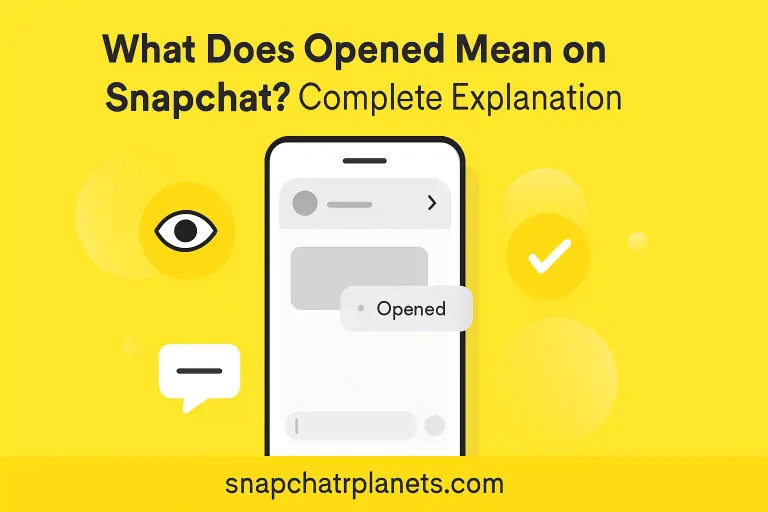
| Opened | Your friend opened or viewed your message. |
How Each Status Impacts Your Message
If it stays on “Sent,” your friend hasn’t received it yet, possibly due to connection issues. When it changes to “Received,” you know your message is there, just unopened. Finally, “Opened” confirms they’ve seen or read what you sent.
🔹 Common Confusion: Why Does It Still Say ‘Received’?
Delivery Delays and Network Issues
Sometimes, the “Received” status doesn’t change right away because of slow internet connections or the recipient’s phone being switched off. Until they come back online and open Snapchat, “Received” remains.
App Bugs and Outdated Versions
Bugs or old versions of Snapchat can sometimes cause the status to get stuck. Keeping your app updated is the best way to avoid this, as updates fix glitches with messages and notifications.
Actions to Take If ‘Received’ Doesn’t Change
Refreshing Snapchat, checking your internet, or asking your friend if they saw your message (outside of Snapchat) usually helps. If not, logging out and back in, or reinstalling the app, can refresh the status.
🔹 Troubleshooting ‘Received’ Issues on Snapchat
Message Stuck on ‘Received’
If your message sits at “Received” for a long time, double-check your own connection. It’s also possible your friend saw the notification on their lock screen but hasn’t opened Snapchat to trigger the “Opened” status.
Checking If You’ve Been Blocked or Unfriended
A stuck “Received” alone doesn’t usually mean you’ve been blocked. But, if you notice other signs (like missing profile information or you can’t search for them), it’s possible. More on these nuances and the gray box icon can be found in the Snapchat gray chat box article.
Resending or Deleting a Snap
Sometimes deleting and resending the Snap or chat can trigger a status update. Just remember, deleted chats and Snaps are gone for good once you remove them.
❓ Frequently Asked Questions
“Received” on Snapchat tracks your message after it’s delivered but before it’s seen. It’s a handy way to see if your Snaps and chats got through, even if your friend hasn’t replied yet.